
Screen Time Guidelines For Busy Parents
Practical screen time guidelines for busy parents. Learn how to set healthy limits, balance technology use, and support positive child development.
Best resources to learn about settings, apps, websites, and games:
- Protect Young Eyes is an excellent resource specifically for addressing children’s exposure to adult content, including pornography.
- Covenant Eyes is widely recognized as a resource specifically for adults, particularly for those struggling with pornography addiction and seeking to build accountability and transparency in their lives, often within a marital context.
- Best tracking app: Life360
- Best monitoring app: Bark is often lauded for its comprehensive monitoring capabilities, especially its AI-driven analysis of text, social media, and email for concerning content (cyberbullying, self-harm, predatory behavior, etc.), and its less intrusive approach
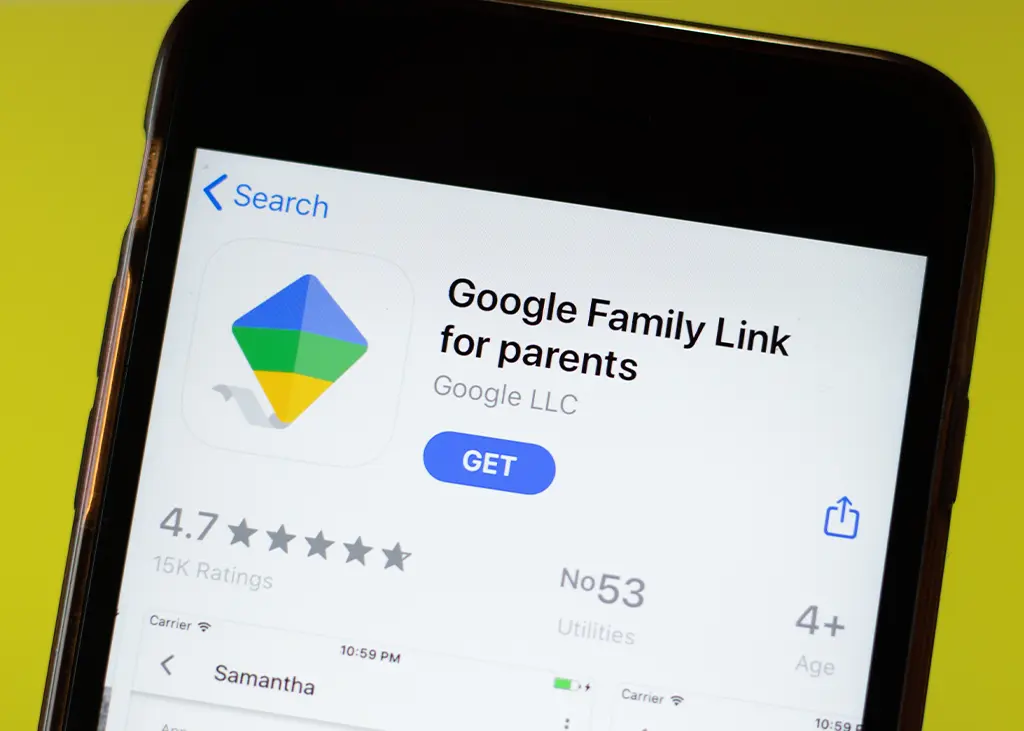
- Best free parental control: Google Family Link or Screentime on Apple
Some device rules for kids:
- No smart phones before High school (Age 14)
- Declare tech free zones in the house. A good example is the dinner table. Eat dinner together as a family.
- No wi-fi devices allowed in the bedroom.
- If possible, switch off the wi-fi router at night.
- No social media until 13. (Check the ratings). New research is suggesting 16
- Monitor screen time. Set limits and stick to it.
- Children under the age of 2 years: NO SCREEN TIME
- 2 -5 years old: 20min a day interactive screen time. This can be talking to grandmom on a video call or watching an educational YouTube video together. Switch off and take away the screen after the activity.
- Primary school children: 1 hour a day
- High school children: 2 hours a day
7. Protect your child’s privacy and identity online. Be careful what you share online.
Say no to Snapchat, TikTok, Telegram. Monitor WhatsApp!
- No talking to strangers online.
- Teach them to build an internal filter so they recognize red flags and make safe choices.
- Choose 3 apps from which you can receive notifications. Mute or delete the rest.
- No passwords on phone that you do not know.
- Less than 200 friends on any application
- All social media accounts must be private
- If they are being cyberbullied, teach them:
1) Block the bully
2) Take a screenshot
3) Report immediately to a trusted adult
- If they came across adult material, teach them:
1) Turn away from the screen
2) Run / walk away
3) Tell a trusted adult
- Regular check-ins and conversations with your children about what they are up to online.

Monitor screen time. Set limits and stick to it.
- Children under the age of 2 years: NO SCREEN TIME
- 2 -5 years old: 20min a day interactive screen time. This can be talking to grandmom on a video call or watching an educational YouTube video together. Switch off and take away the screen after the activity.
- Primary school children: 1 hour a day
- High school children: 2 hours a day

- Protect your child’s privacy and identity online. Be careful what you share online.
- Say no to Snapchat, TikTok, Telegram. Monitor WhatsApp!
- No talking to strangers online.
- Teach them to build an internal filter so they recognize red flags and make safe choices.
- Choose 3 apps from which you can receive notifications. Mute or delete the rest.
- No passwords on phone that you do not know.
- Less than 200 friends on any application
- All social media accounts must be private
- If they are being cyberbullied, teach them:
- 1) Block the bully
- 2) Take a screenshot
- 3) Report immediately to a trusted adult
- If they came across adult material, teach them:
- 1) Turn away from the screen
- 2) Run / walk away
- 3) Tell a trusted adult
- Regular check-ins and conversations with your children about what they are up to online.
life online
related resources
An in-depth look into the modern digital life, we discuss advantages, disadvantages and solutions. Select your topic and immerse yourself.


